
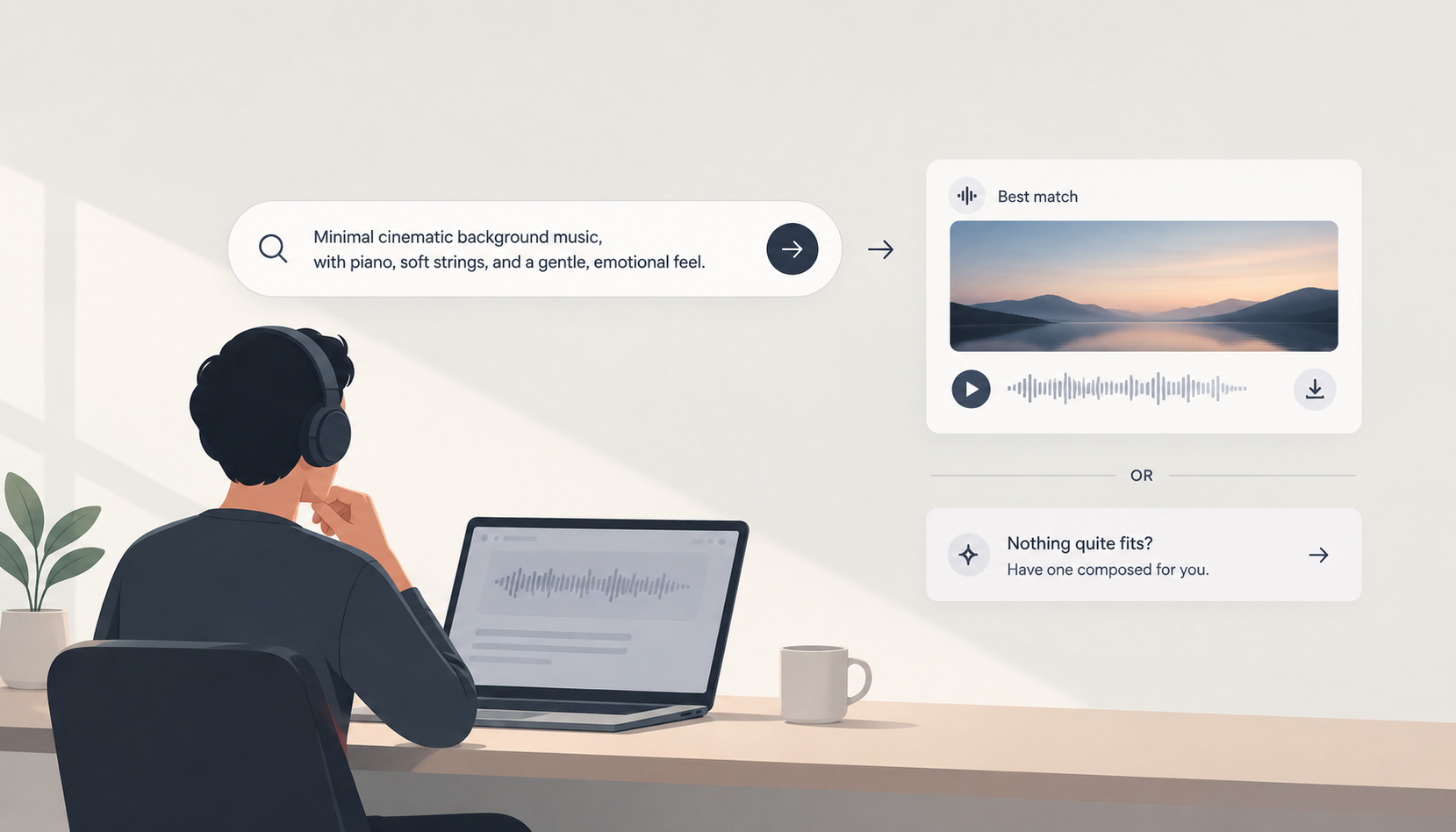
Finding background music for a video sounds simple. You search for a genre, mood, or instrument, listen to a few tracks, and pick one.
In practice, it often takes much longer.
You might know exactly what you want: a slow cinematic track with soft piano, subtle strings, a feeling of anticipation, and enough space underneath narration.
But most stock music libraries don't let you search that way.
Why Keyword Search Often Misses the Track
Traditional stock music libraries depend heavily on categories, tags, genres, moods, and other metadata.
The problem is that you have to guess which terms were used to describe the track.
You might search for cinematic emotional piano and get hundreds of results. Some may be too dramatic, some too slow, some too orchestral, and others simply don't fit the tone of your video.
The track you actually want could be there. It is just buried among dozens of near-matches.
That turns finding music into a process of opening tracks, listening, skipping, and repeating.
Search by What You Actually Need
A better approach is to describe the music itself.
Instead of searching:
cinematic piano
you could describe the requirement:
Minimal cinematic background music with gentle piano, soft strings, a slightly emotional atmosphere, slow pacing, and enough space for a voiceover.
This captures much more than a handful of tags.
The Stock Music is built around this approach. Its catalog tracks retain their full ACE-Step generation descriptions, allowing the search system to match your request against the actual musical description rather than relying only on manually assigned tags.
What If the Track Doesn't Exist?
Sometimes your description is too specific.
Maybe you need a particular combination of mood, tempo, instruments, and structure that simply isn't available in the catalog.
That shouldn't mean starting the search from scratch.
The Stock Music can take the same description and use it to compose a new track when an existing one doesn't fit.
So the workflow becomes:
Describe what you need → find a matching track → or have one composed.
You don't have to know which genre category to choose or spend an hour scrolling through near-matches.
The goal isn't to find something close enough.
It's to get as close as possible to the track you actually had in mind.